The driver app without distraction: how gig drivers can stay focused
How rideshare and delivery drivers can handle app requests, chats and maps safely
Safety Behind the Wheel Foundationdrivewithcare.org
Last reviewed:
For employers and fleets5 min read
For rideshare and delivery drivers, the phone is not a distraction you can put away. It is the job. Offers pop up with countdown timers. Customers send messages. Maps reroute. Ratings, tips and bonuses all live on the same screen.
That design puts gig drivers at special risk. NHTSA reports that 3,275 people were killed in crashes involving distracted drivers in 2023, about 8 percent of all traffic deaths [1]. Of those, 397 people died in crashes involving cellphone related activity [1]. Experts believe these numbers are low, because distraction is hard to prove after a crash. This guide shows how to work the app without letting it drive you.
Why the app is so distracting
- Countdown offers push you to decide in seconds, often while moving
- Order details like pay, distance and stops invite reading
- Customer messages feel urgent and personal
- Multiple apps mean more alerts, sounds and screens
- Navigation changes pull your eyes down at busy moments
Taking your eyes off the road for even a couple of seconds is dangerous. NHTSA notes that sending or reading a text can take your eyes off the road for about 5 seconds. At 55 mph, that is like driving the length of a football field with your eyes closed [2].
Set up before you roll
- Mount the phone where you can see it with a quick glance, near your line of sight, without blocking your view of the road. Some states limit where windshield mounts can go. California, for example, allows them only in small areas in the lower corners.
- Start navigation before you pull away from the curb or restaurant.
- Review the next stop while parked, not at a red light.
- Turn on voice guidance and keep the volume up.
- Silence other apps. Turn off social media, email and personal texts while you work, or use your phone’s driving focus mode.
- Keep a charger cable routed so it does not dangle across controls.
Handling offers safely
- Accept or decline only when stopped in a safe place, or with a single tap at most if your state allows it in a mounted phone.
- Let an offer expire if you are merging, turning or in heavy traffic. Another one will come. Your safety is worth more than a missed ride.
- Learn your app’s settings. Some apps let you set filters, preferred destinations or quick replies that reduce how often you need to decide on the move.
Customer messages
- Use preset quick replies, such as “On my way,” and send them only when stopped
- Pull over to read or answer longer messages
- Call by voice with a mounted phone if you must talk, and keep it short
- Never type a message while driving
Do not multitask on the move
Do these only when parked:
- Reading order details or customer notes
- Taking photos for delivery proof
- Rating passengers or customers
- Checking earnings, bonuses or surge maps
- Switching between apps
Know the law
Nearly every state bans texting while driving, and many states ban holding a phone at all. Some cities and states also limit touching a mounted phone to a single tap or swipe. Fines and points can threaten your ability to keep driving for the platform. Check your state’s rules.
Warning: If an app issue, a customer problem or a confusing route needs your attention, pull over in a safe, legal spot. No delivery deadline is worth a crash.
A word on multiple apps
Many drivers run two or more apps to stay busy. It can boost earnings, but it also means more alerts, more decisions and more screen time. If you multi app, set a rule: only one active trip at a time, and pause other apps while you drive to a pickup.
Checklist: distraction free setup
Checklist from Safety Behind the Wheel Foundation
- Phone mounted near my line of sight, in a legal spot
- Navigation started before I move
- Voice guidance on and nonwork notifications off
- Quick replies set up for common messages
- I accept offers and read details only when stopped
- I pull over for anything that takes more than a glance
Frequently asked questions
Will declining offers hurt my rating?
Acceptance rates matter on some platforms, but safety comes first. Let offers expire when it is not safe to respond, and plan breaks in safe spots to reset.
Can I use my phone at a red light?
In many states, no. Laws that ban holding a phone usually apply when you are stopped in traffic. A red light is still driving.
Do voice assistants make it safe?
Voice features reduce hand and eye use, but they can still take your mind off driving. Keep interactions short and simple.
Related articles
Sources and further reading
- 1National Highway Traffic Safety Administration. “Distracted Driving in 2023” (DOT HS 813 703). April 2025. crashstats.nhtsa.dot.gov/…/813703
- 2National Highway Traffic Safety Administration. “Distracted Driving.” nhtsa.gov/risky-driving/distracted-driving
This article reflects the safety priorities of distracted driving prevention and gig worker safety. It is general education, not legal advice. Check your state’s phone laws and your app’s current features. Reviewed November 2026.
Special thanks to our contributors
We appreciate the professionals, experts, and community members who share their knowledge and perspectives to help make this resource better. Your insights are always welcome and appreciated.
Have professional expertise, firsthand experience, or a perspective that could make this resource better?
We welcome your input. Your knowledge and experience can help us make this resource more useful, accurate, and meaningful to the people who rely on it.
Thank you. Your contribution is on its way.
We’re grateful you took the time to share your knowledge with us. Our team reviews every contribution with care. If it helps improve this resource, we’ll update the page and recognize you the way you chose.
Keep reading
More on Distracted driving
Keep learning
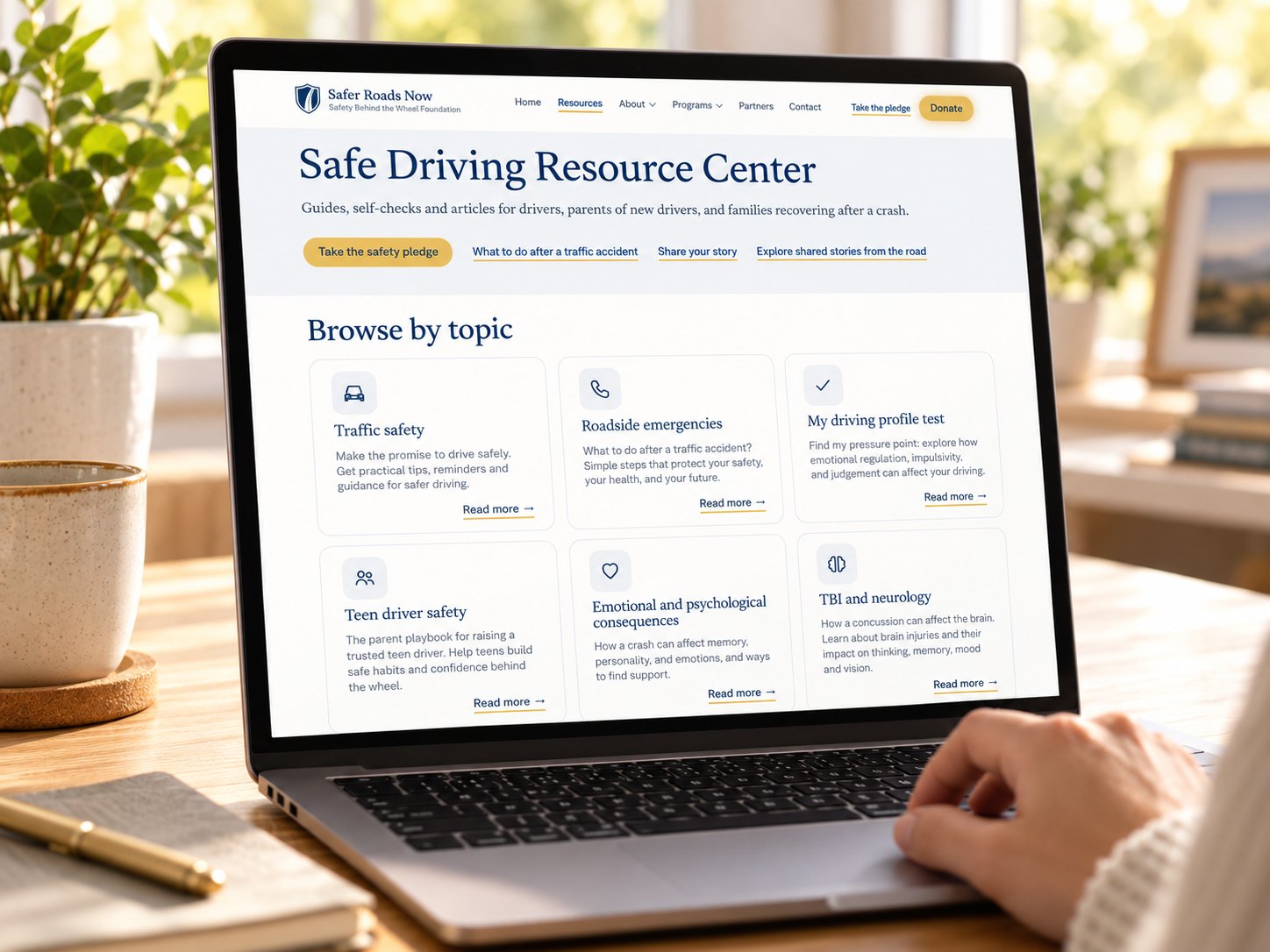
Safe Driving Resource Center
Guides, self-checks and articles for drivers, parents of new drivers, and families recovering after a crash.